



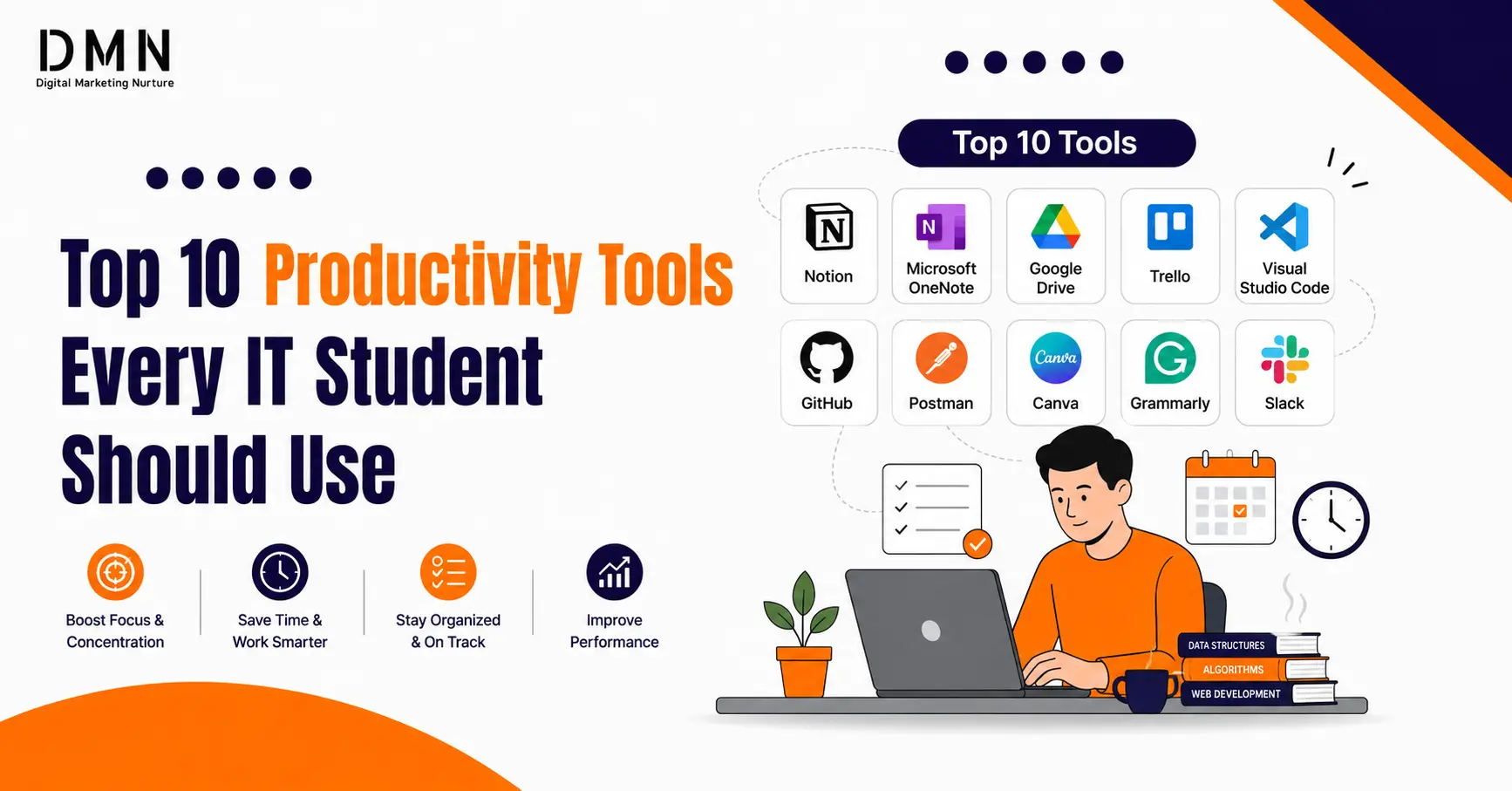
Top 10 Productivity Tools Every IT Student Should Use
In today’s fast-paced digital world, managing studies, coding projects, and deadlines can be challenging for tech learners. That’s why knowing the Top 10 Productivity Tools Every IT Student Should Use in 2025 is essential.
These powerful tools help IT students organize their tasks, improve focus, collaborate efficiently, and enhance learning outcomes — all while saving time. Whether you’re coding in VS Code, taking notes in Notion, or planning projects on Trello, these tools will help you stay productive and ahead of the curve in your tech journey.
Notion – All-in-One Workspace
A single platform to take notes, organize projects, plan tasks, and track progress.
Perfect for IT students who manage coding projects, lab work, and lecture notes in one place.
✅ Free plan available with tons of student templates.

Todoist – Smart Task Manager
Organize daily to-do lists and set priorities with reminders and progress tracking.
Use natural language like “Submit coding assignment tomorrow 5 pm.”
Simple, clean, and effective for task management.
Microsoft OneNote – Digital Notebook
Store handwritten notes, diagrams, and code snippets in one digital notebook.
Great for system design and lecture notes syncing across devices.
🎯 Perfect for visual learners and coders alike.
Grammarly – Writing Assistant
Improve your writing quality for reports, documentation, or project submissions.
Checks grammar, tone, clarity, and even plagiarism.
💡 Helps you sound professional in technical writing.
Google Calendar – Time Management Pro
Stay on top of classes, coding sessions, and exams with calendar alerts.
Use color codes to separate study, personal, and project schedules.
📆 Helps with time-blocking and consistency.
Otter AI – Smart Transcription Tool
Automatically record and transcribe lectures or project meetings.
Ideal for revisiting complex technical topics or coding sessions.
🧩 Saves time and boosts comprehension.
🔗 otter.ai
BONUS TIPS FOR STUDENTS
| 💡 | Tip |
|---|---|
| ⚡ | Combine Notion + Google Calendar + Todoist for a full productivity system. |
| 🌳 | Use Forest to maintain focus during study sessions. |
| 🧩 | Use Anki to memorize coding syntax & concepts faster. |
| 🧹 | Declutter your digital workspace weekly for clarity. |
Bonus Tips for Maximum Productivity
- Use one master dashboard (e.g., in Notion) that links tasks (Todoist), calendar, notes.
- Time-block study sessions (Google Calendar) and treat focus time like a meeting.
- Use the “two-minute rule” for small tasks: if it takes <2 minutes, do it now.
- Regularly clean up your digital tools: archive completed classes/projects, clear old cards in Trello.
- Balance productivity with rest: Use Forest or Otter AI to manage focus and recovery.
Why These Tools Are Relevant for 2025
- Many recent student-productivity lists highlight Notion, Todoist, Microsoft 365 and others.
- The “Top 100 Tools for Learning 2025” survey lists many of these apps in top-ranks.
- With hybrid learning, frequent group work and code-heavy tasks in IT, tools that integrate tasks, notes, code and collaboration are essential.
Conclusion
Success in IT studies isn’t just about knowledge — it’s about managing time, focus, and collaboration effectively.
These top 10 productivity tools empower students to learn smarter, not harder. 💪
Start with two or three tools that fit your style — like Notion, VS Code, and Google Calendar — and expand gradually.